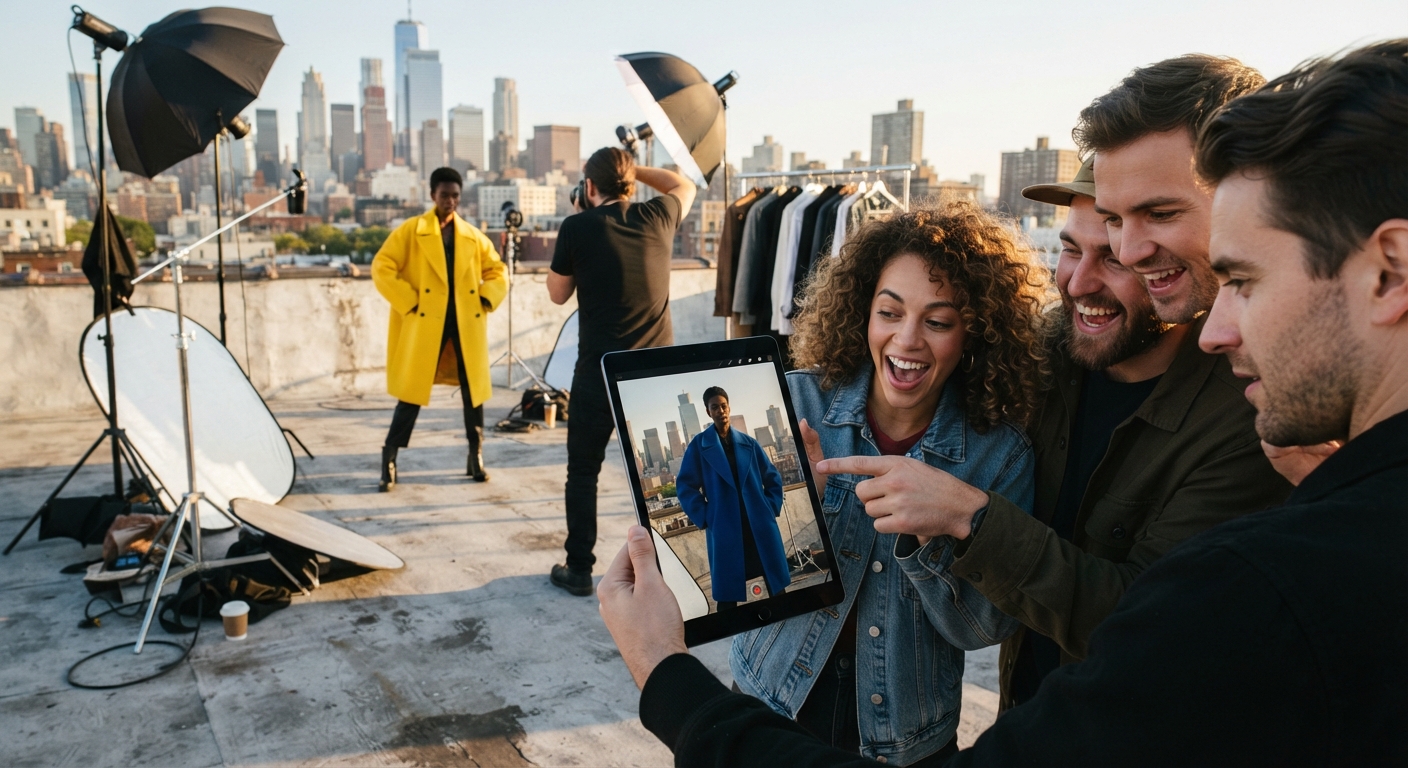
Ever asked an AI to fix one tiny thing in a picture, and it changed everything else too? Ideogram just fixed that.
If you make AI images, you know the pain. You love a picture. You just want the jacket to be red instead of blue. You ask the AI, and suddenly the face looks different, the background shifted, and the lighting is off. Now you’re starting over.
Ideogram 4.6 was built to end that frustration.
The Key Facts
- What: Ideogram 4.6, a new AI image generation and editing model.
- When: Released November 19, 2026.
- Big upgrade #1: Images are made in native 4K, with no upscaling.
- Big upgrade #2: A Precise Edit mode that changes only the part you ask for. Everything else is copied pixel for pixel from your original.
- Realism: Ideogram says it worked hard to remove the “AI look” and waxy skin, with visible pores, fine lines and natural texture.
- Ranking: Ideogram says it now ranks first on Rapidata’s Multi-step Image Edit leaderboard.
- Cost: 10 credits a picture at 1K and 2K, and 20 credits at 4K. For developers, API prices start at $0.008 per image.
What “Native 4K” Really Means
Most AI tools make a smaller image and then stretch it bigger. That’s called upscaling, and it’s a bit like blowing up a small photo. It gets bigger, but the details can turn soft or blurry.
Ideogram 4.6 skips that step. It creates every detail at full 4K resolution from scratch, from skin to fabric texture.
Why should you care? If you print your images, use them on big screens, or zoom in on details, they’ll hold up much better. Product photos, posters and thumbnails all look sharper.
The Real Star: Precise Editing
Honestly, 4K is nice, but the editing is the part that gets me excited.
With Precise Edit, you describe one change in plain words, like “make the coat green.” Ideogram changes only that area. Everything outside it stays exactly the same, copied pixel for pixel from your file.
And you can keep going. Make a change, look at the result, then make another. Ideogram calls this refining the same image across multiple turns. Each step builds on the last instead of starting fresh.
Ideogram also says the new model has much less “pixel drift” outside your edits, which is that annoying habit AI has of quietly changing things you didn’t touch. Colors are more accurate too.
One early tester on DEV Community ran six image tests on November 22 and reported that all six passed. The result that impressed them most was a second edit that changed only the coat and nothing else.
Goodbye, Waxy AI Skin
You know the look. Skin that’s too smooth, too shiny, almost plastic. It’s one of the easiest ways to spot an AI image.
Ideogram says it worked hard to get rid of that. The new model aims for real-looking skin with visible pores, fine lines and natural texture. For anyone making realistic portraits or lifestyle photos, that’s a big deal.
How Much Does It Cost?
Here’s the simple breakdown:
- 1K or 2K images: 10 credits each
- 4K images: 20 credits each
- API for developers: from $0.008 per image
That same early tester made six images for 70 credits, which came to about $0.70 in total. Not bad for sharp, high-resolution results.
Who Is This For?
Content creators. Need a thumbnail with one detail changed? No more redoing the whole thing.
Small businesses. Swap a product color, update a sign or change a background, and keep the rest of the photo perfect.
Bloggers. Get crisp, realistic featured images that don’t scream “made by AI.”
Designers. Make careful, step-by-step changes without losing the parts of the image you already love.
5 Tips to Get the Best Results
1. Make one change at a time. Precise editing works best in small steps. Change the coat, check it, then change the background.
2. Be specific. “Make the coat forest green” beats “change the coat.” Clear words get clear results.
3. Save 4K for the images that need it. 4K costs double, so use it for prints and hero images. Use 1K or 2K for quick drafts.
4. Start with a strong original. The better your first image, the better every edit after it.
5. Compare before you switch. If you already have a workflow in an older version, Ideogram’s own guide suggests comparing 4.6 against 4.5 before moving everything over.
A Quick Reality Check
No tool is perfect. Most of the big claims, like the realism and the leaderboard ranking, come from Ideogram itself. Early tests look very promising, but give it a try on your own images before you rely on it for important work.
And if you use AI images for a business or brand, read the terms of use so you know how you’re allowed to use what you create.
Quick Answers
Will Precise Edit change my whole picture? No. It changes only the area you describe and copies the rest pixel for pixel from your original.
Is native 4K better than upscaling? Yes, for detail. Every pixel is generated at full resolution instead of stretched from a smaller image.
Can I keep editing the same image? Yes. You can make a change, review it and keep refining across multiple turns.
The Bottom Line
Ideogram 4.6 solves one of the most annoying problems in AI images: fixing one thing without breaking everything else. Add sharp native 4K and more natural-looking skin, and it’s a real step forward for anyone who makes pictures with AI.
Try one small edit on an image you already love. If it only changes what you asked, you’ll see why people are excited.
Sources: Ideogram, DEV Community, i10x, i-scoop, Tech City Authority.

Leave a Reply